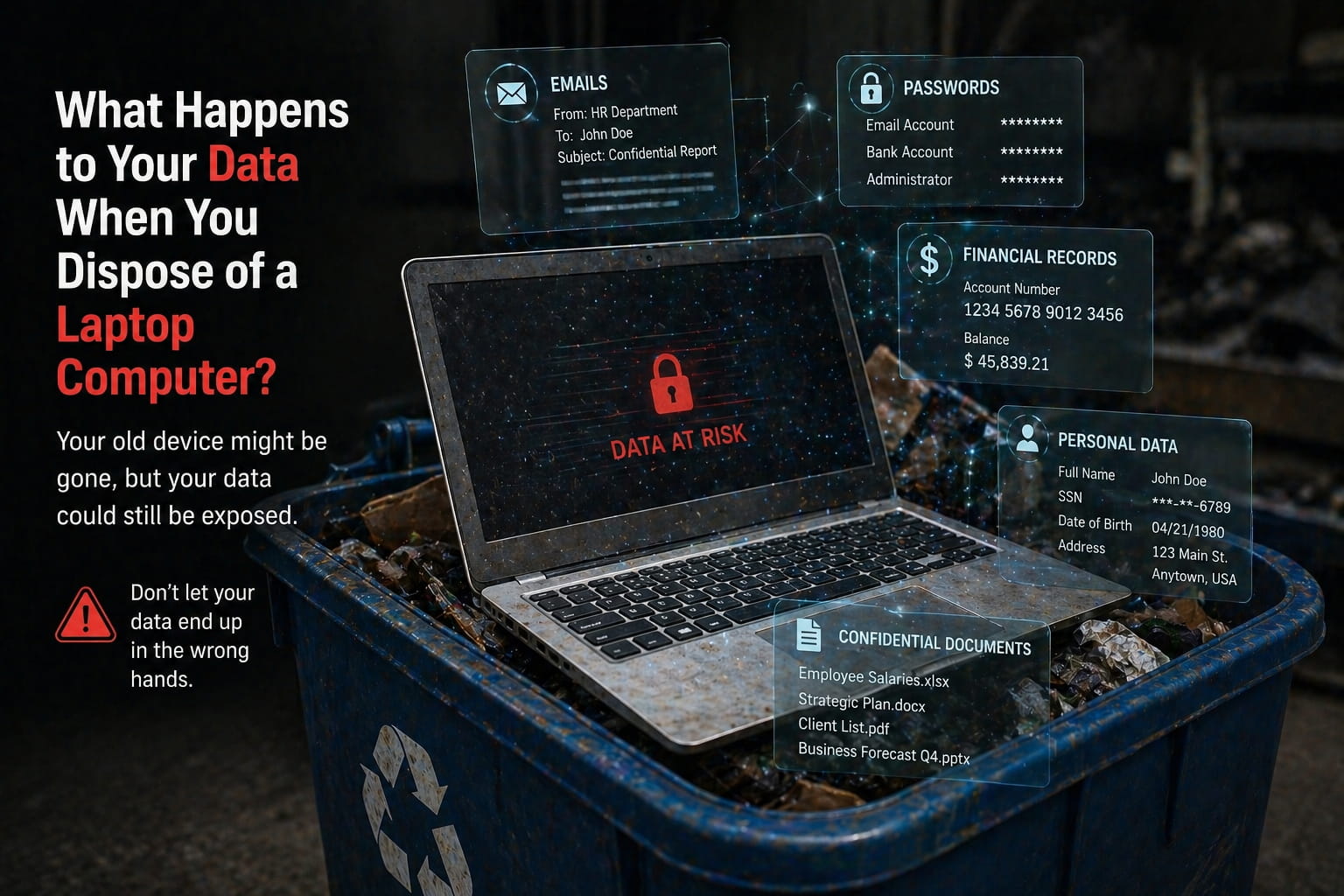
Introduction: The Risk You Don’t See
Most people think getting rid of an old laptop is simple. You either store it away, donate it, or try to dispose of laptop computer through a recycling option. But what many don’t realize is this:
Your data doesn’t disappear just because you throw the device away.
When businesses or individuals attempt to dispose of laptop computer without a secure process, sensitive data often remains on the device. This includes emails, financial records, passwords, and confidential files that can still be recovered.
That’s why understanding how data behaves during e waste recycling and why secure data destruction matters is critical before you make any disposal decision.
What happens to your data when you throw away a laptop?
When you dispose of a laptop computer without secure data destruction, the data often remains on the device and can still be recovered. Proper data destruction is required to permanently erase it.
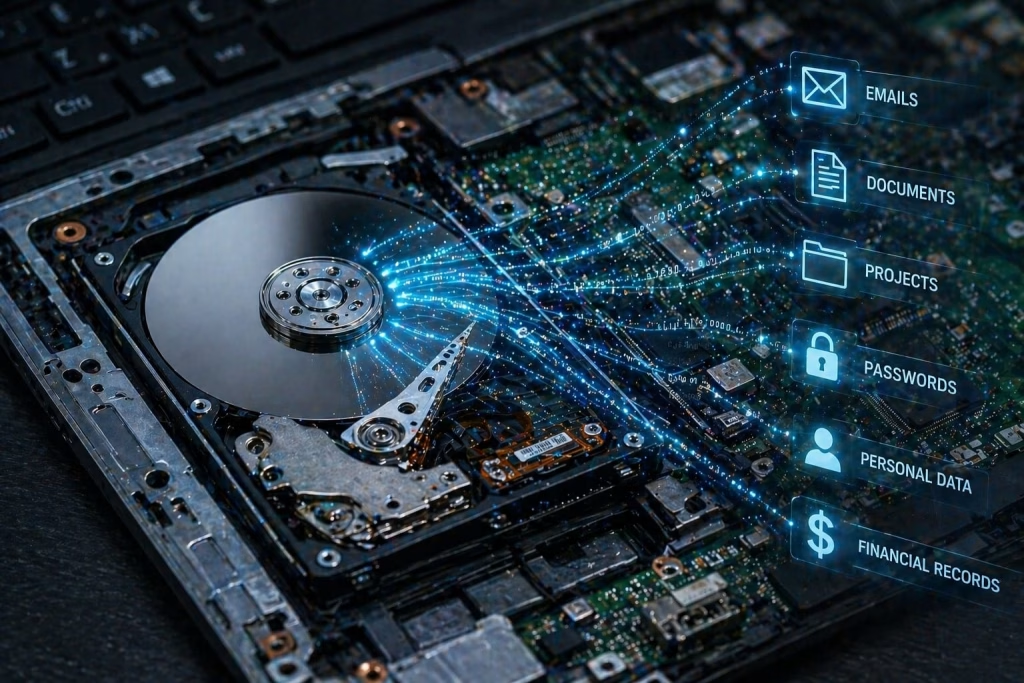
What Actually Happens to Your Data After Disposal
When you dispose of laptop computer, the physical device may be gone but the data inside it is often still intact.
Most laptops contain:
- Hard drives or SSDs storing years of data
- Saved login credentials
- Personal or business files
Even if files are deleted, they are not permanently erased. Without secure data destruction, the data can be recovered using basic tools.
This is where professional data destruction services play a key role. They ensure that when devices go through e waste recycling, the data is completely destroyed before any reuse or recycling process begins.
Why Deleting Files Is Not Enough Before You Dispose of Laptop Computer
A common mistake people make before they dispose of laptop computer is simply deleting files or formatting the device.
This does NOT remove your data permanently.
Deleted data still exists on the storage device and can be recovered unless overwritten or physically destroyed. This is why relying on basic deletion instead of secure data destruction creates serious risks.
Professional data destruction services use certified methods such as:
- Data wiping (NIST standards)
- Degaussing
- Physical shredding
Without these methods, your laptop going into electronic waste recycling can still carry recoverable data.
The Hidden Risks of Improper Laptop Disposal
Improper disposal creates multiple risks:
1. Data Breaches
Old laptops often contain sensitive data. Without secure data destruction, this data can fall into the wrong hands.
2. Identity Theft
Personal and financial data can be misused if devices are not properly handled during e waste recycling.
3. Business Liability
Companies that fail to securely dispose of laptop computer can face compliance issues, especially if customer data is exposed.
4. Environmental Impact
Improper electronic waste disposal can release harmful materials into the environment, making responsible recycling essential.
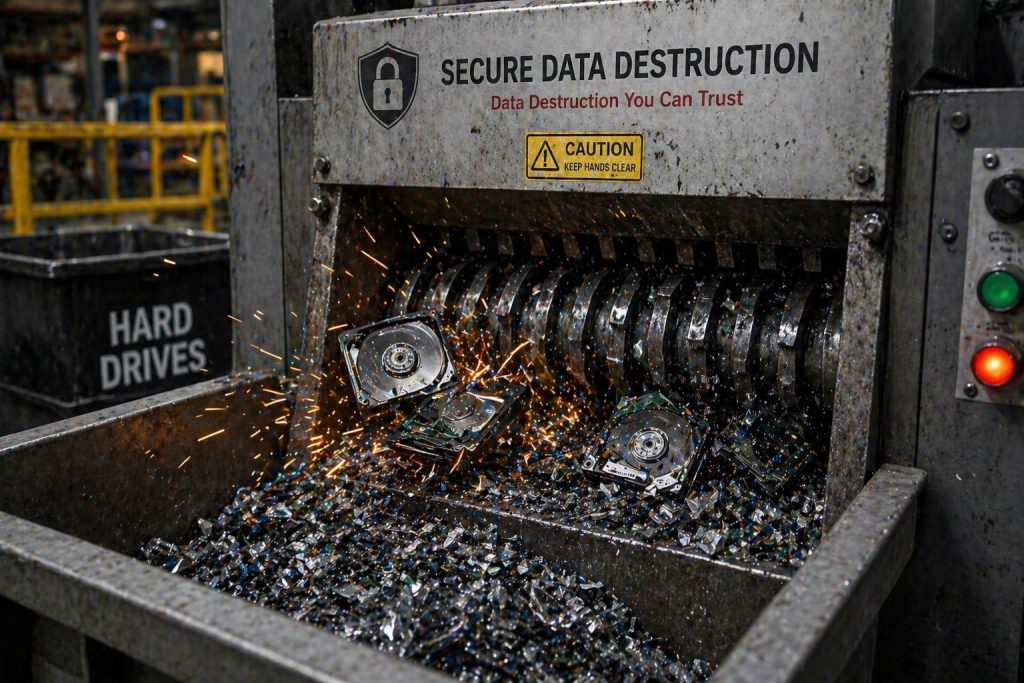
What Happens During E-Waste Recycling
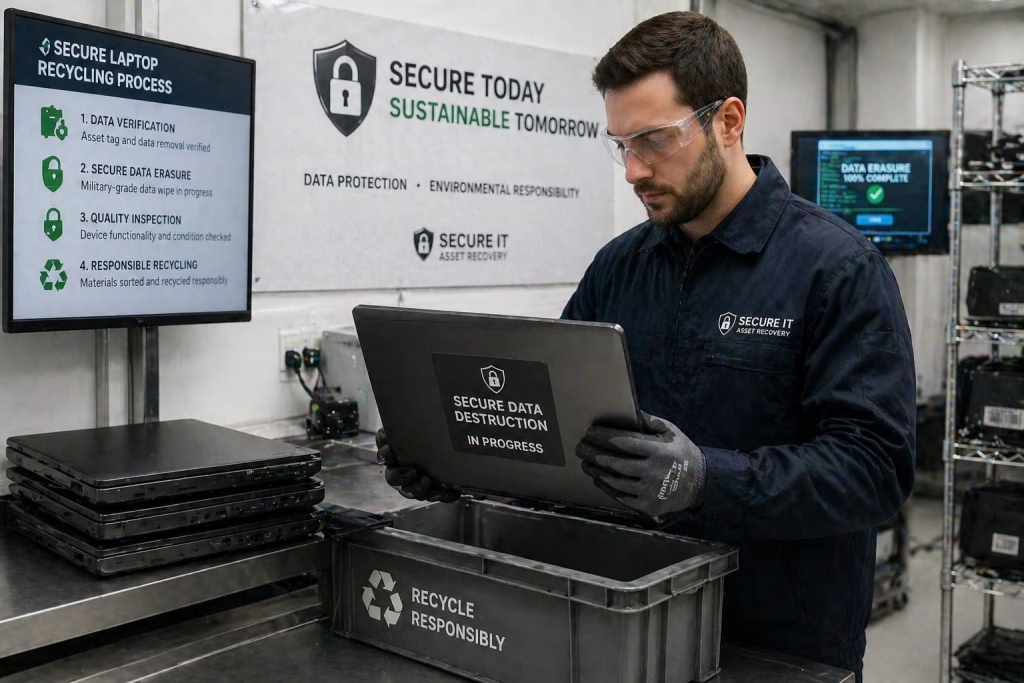
When devices enter e waste recycling, they typically go through several stages:
- Collection and sorting
- Data removal or destruction
- Component recycling or refurbishment
However, not all recycling providers follow secure processes.
If secure data destruction is not part of the process, your data may still exist even after recycling.
That’s why choosing providers offering data destruction services along with secure laptop recycling is essential.
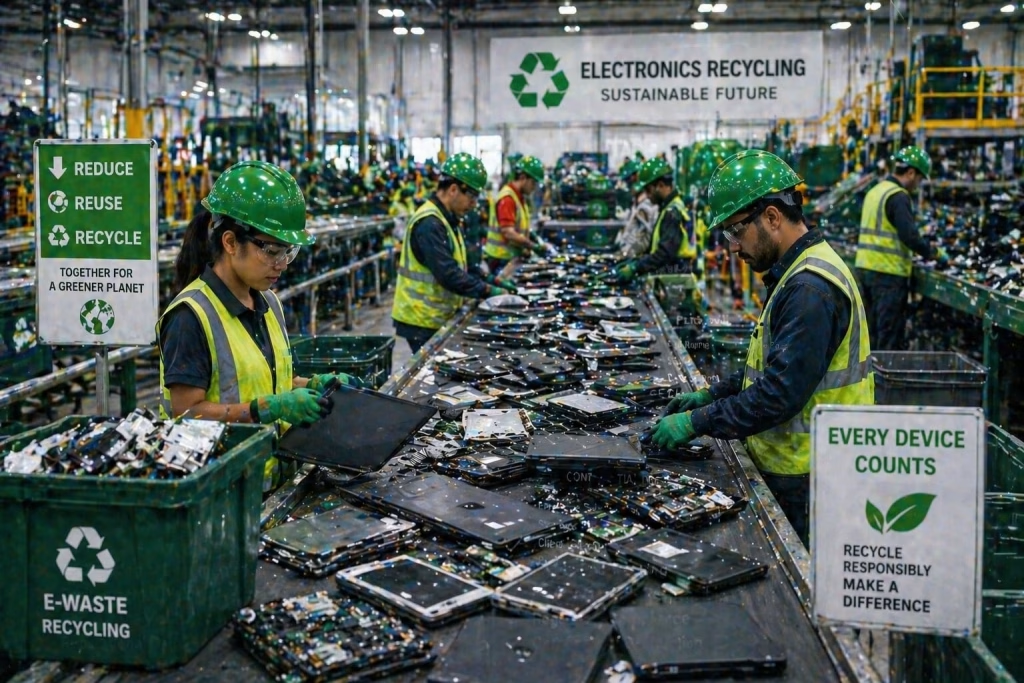
Why Secure Data Destruction Is Critical
Before you recycle laptops, ensuring data destruction is the most important step.
It guarantees:
- Data is permanently erased
- No possibility of recovery
- Compliance with data protection standards
Professional data destruction services provide certificates as proof that your data has been securely destroyed.
When combined with secure laptop recycling, this ensures both the following:
✔ Data security
✔ Environmental responsibility
The Role of Hard Drive Destruction
One of the most effective ways to protect your data is through hard drive destruction.
This involves physically destroying the storage device so that:
- Data cannot be accessed
- Recovery becomes impossible
Unlike software-based methods, hard drive destruction eliminates all risk, making it the safest option when handling sensitive data.
Secure Laptop Recycling: The Right Approach
If you want to safely dispose of laptop computer, the best approach is secure laptop recycling.
This process includes:
- Certified secure data destruction
- Safe handling of electronic components
- Responsible recycling practices
Businesses often rely onbusiness electronic recycling providers to ensure large volumes of devices are handled securely and compliantly.
Choosing secure laptop recycling ensures that your device lifecycle ends safely without exposing your data.
How to Safely Dispose of an Old Laptop
Follow these steps before you dispose of laptop computer:
✔ Step 1: Backup Your Data
Save all important files before disposal.
✔ Step 2: Use Certified Data Destruction
Always choose data destruction services instead of manual deletion.
✔ Step 3: Choose a Certified Recycler
Work with providers offering e waste recycling with documented processes.
✔ Step 4: Verify Secure Handling
Ensure your provider includes secure laptop disposal as part of their service.
✔ Step 5: Request Documentation
Certificates of destruction confirm your data is secure.
Why Professional Services Matter
Handling laptop disposal internally may seem convenient, but it often lacks:
- Proper tools
- Certified processes
- Compliance documentation
Professional data destruction services combined with secure laptop recycling eliminate these risks.
They ensure:
- Complete data security
- Compliance with regulations
- Responsible electronic waste disposal
Conclusion: Don’t Let Your Old Laptop Become a Data Risk
When you dispose of a laptop computer, you are not just getting rid of hardware, you are potentially exposing your data.
One improperly disposed laptop is enough to expose years of sensitive data.
Without secure data destruction, your information can remain accessible long after your device is gone. And without proper e waste recycling, you risk both security and environmental consequences.
The safest approach is simple:
Use certified data destruction services and trustedsecure laptop recycling providers.
Because in today’s digital world, your biggest risk is not the device you use it’s the data you leave behind.
Frequently Asked Questions (FAQs)
1. What happens to data when you dispose of a laptop computer?
When you dispose of a laptop computer without secure data destruction, the data remains on the device and can be recovered. Proper destruction methods are required to permanently erase it.
2. Is deleting files enough before laptop recycling?
No, deleting files or formatting a laptop does not permanently remove data. Without secure data destruction, files can still be recovered.
3. How can I securely dispose of a laptop computer?
To securely dispose of a laptop computer, you should use certified data destruction services and choose secure laptop recycling providers that offer proper documentation.
4. What is secure data destruction for laptops?
Secure data destruction is the process of permanently erasing or destroying data using certified methods such as data wiping or hard drive destruction.
5. Why is e-waste recycling important for laptops?
E-waste recycling ensures that laptops are disposed of safely without harming the environment while also protecting sensitive data through proper handling and destruction.


Leave a comment